
In today’s fast-moving workplace, whether you’re just graduating, shifting careers, running your own freelance business or looking for a future-proof job, you’ll find yourself asking: “What tech do I need to stay competitive?” One of the most powerful answers is Artificial Intelligence (AI). From automating routine tasks to generating ideas, providing insights and enabling creativity, AI tools are no longer “nice-to-have” — they’re becoming essential. In this article, we’ll explore what AI tools every professional should know — helping you get started and decide which ones fit your goals.
Who Are “Professionals”?
By “professionals” in this context we mean a broad group of individuals who are actively advancing or transforming their career or business. That includes:
-
Students & Recent Graduates— entering the workforce and building their skill-set.
-
Working Professionals (Non-Tech & Tech)— looking to upskill, automate tasks or remain relevant.
-
Career Changers— those moving from one field into another (often into tech or business roles) wanting to build new competencies.
-
Entrepreneurs & Freelancers— building and scaling their own services, businesses or side-hustles.
-
Job Seekers Looking for Future-Proof Skills— individuals who want to stand out in a competitive job market and use tools that give them an edge.
So whatever your “professional” label is, the guiding idea is: you want to leverage AI to do your work smarter, faster, or more creatively.
Why It Matters to Use AI Tools
There are several strong reasons why professionals should integrate AI tools into their workflow:
-
Boost Productivity & Efficiency: Many tools now use AI to automate repetitive tasks, freeing up time for high-value work.
-
Stay Competitive: As workplaces adopt more AI-driven solutions, professionals who understand and use them will be in demand.
-
Tap Creativity & Innovation: AI tools can help you ideate, design, generate content, visuals or insights you may not have tackled alone.
-
Support Career Transitions: If you’re changing career or building an entrepreneurial path, AI tools can accelerate your learning curve, help you execute work you might not have the full expertise for yet.
-
Adapt to Future Work: The job market is shifting — AI literacy is becoming part of “future-proof” skills. Using AI doesn’t mean you replace human skills, but you amplify them.
Top AI Tools & Platforms Every Professional Should Know
Here are several standout AI tools — each with a short description, a use-case, and an official link — that are relevant to the professional audiences above.
1. ChatGPT (by OpenAI)
A conversational AI / large language model that can answer questions, generate text, assist with ideas, summaries, translations and more.
Use Case: A recent graduate writing a first report can prompt ChatGPT for structure ideas; a freelancer can use it to draft a proposal; a career-changer can ask for explanations of new domain concepts.
Link: https://chatgpt.com
2. Notion AI
AI built into the Notion workspace — helps with notes, planning, summaries, brainstorming.
Use Case: A working professional can use it to automatically summarise meeting notes; a student can draft study outlines; an entrepreneur can map workflow ideas.
Link: https://www.notion.so
3. Grammarly (AI-enhanced writing assistant)
AI-powered writing checker, tone and clarity suggestions, grammar and style improvement.
Use Case: Entrepreneurs writing marketing copy; job seekers polishing resumes; students preparing essays.
Link: https://www.grammarly.com
4. GitHub Copilot
An AI assistant for developers that suggests code snippets and helps write software faster.
Use Case: A tech professional coding projects; a career-changer learning to code; a freelancer building apps for clients.
Link: https://github.com/features/copilot
5. Adobe Firefly
A generative-AI platform by Adobe Inc. for creating and editing images via text prompts and editing workflows.
Use Case: Business professionals designing marketing visuals; freelancers creating social-media content; students presenting projects.
Link: https://www.adobe.com/firefly.html
6. Perplexity
An AI search engine / conversational tool that provides web-based answers and citations.
Use Case: Professionals quickly researching topics; job seekers gathering insights; students doing research.
Link: https://www.perplexity.ai
7. Otter.ai
AI meeting transcription and note-taking tool.
Use Case: Working professionals summarising meetings; entrepreneurs recording brainstorming; freelancers capturing client calls.
Link: https://otter.ai
(Note: There are many more tools out there but these cover a broad mix of tasks: writing, coding, visual creation, research, notes.)
How to Get the Most from AI Tools
-
Start with your pain points: Identify the repetitive or time-consuming tasks you do — that’s where AI can help.
-
Try free tiers and experiment: Many tools have free or trial versions — test them to find fit.
-
Use them with your skills — don’t rely entirely on them: AI is a tool, not a substitute for judgement or domain knowledge. (As many professionals noted they still edit or check AI outputs.)
-
Learn some prompt-crafting: Knowing how to ask the right question or give the right context will boost results.
-
Integrate tools into your workflow: For example, link ChatGPT to your task manager, or use Otter.ai with your meeting platform.
-
Keep privacy & ethics in mind: When using AI, ensure data security and be aware of potential errors or “hallucinations” from models.
-
Continue updating: AI tools evolve fast — stay curious and revisit your “toolkit” every few months.
Conclusion
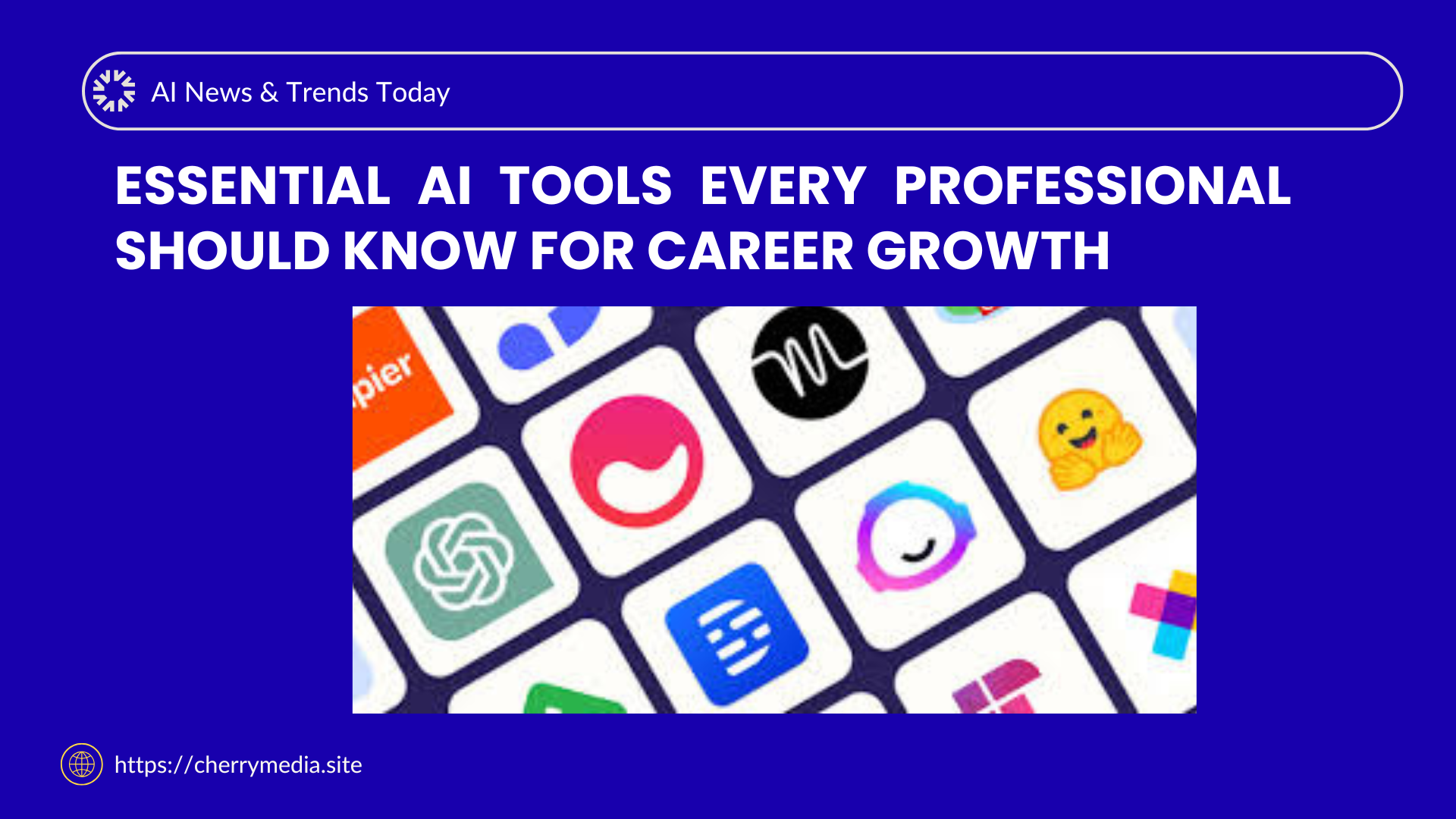
Whether you are just starting out, switching careers, building a business or simply looking to stay ahead, understanding and using AI tools can give you a meaningful edge. The tools above – from ChatGPT and Grammarly to GitHub Copilot and Adobe Firefly – represent a cross-section of capabilities that professionals across roles can benefit from. The key is not to use all tools, but to pick the ones aligned with your work, try them, adapt them and integrate them into your daily practice.
As you grow in your career, you may find yourself blending multiple tools, automating workflows, generating ideas faster, and spending more time on meaningful strategy rather than routine. And if you’re curious to explore more content, tips or case-studies around AI, business ideas or tech tools, you can also check out other posts on our website (https://cherrymedia.site) and keep building your future-proof skills.