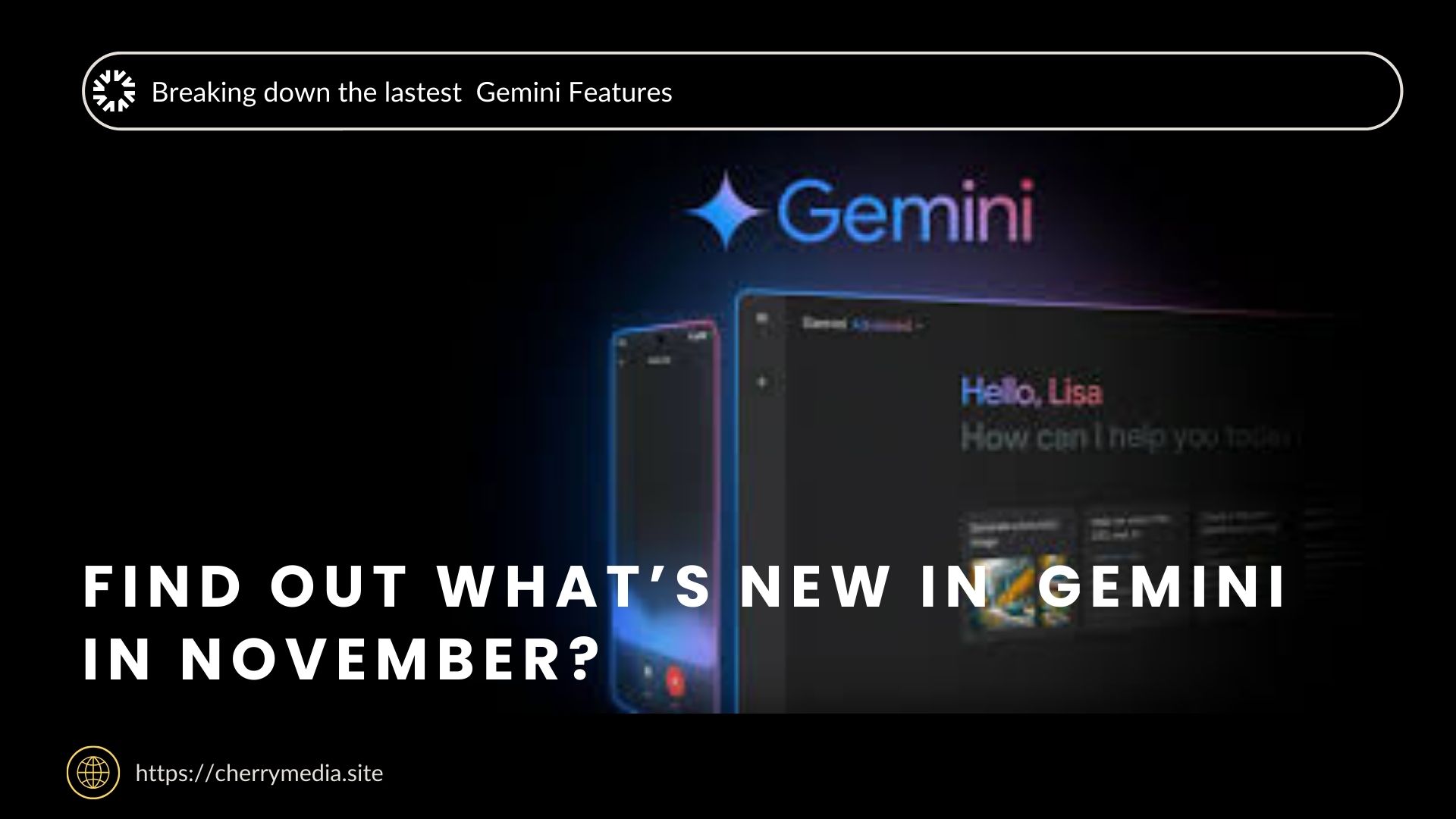
Google’s Gemini app has received a major November 2025 update—the latest Gemini Drop brings powerful new capabilities across conversation, content creation, and AI-assisted productivity. From smarter AI models to improved tools for image and video generation, this update is one of the most significant yet. Here’s a detailed breakdown of what’s new and why it matters.
1. Gemini 3 — A New Era of AI Intelligence
One of the biggest highlights of this month’s update is the arrival of Gemini 3, Google’s latest and most advanced large language model (LLM). According to Google, Gemini 3 delivers sharper reasoning, enhanced understanding, and better “vibe coding” — meaning it can more accurately capture tone, style, and context when generating text.
-
Improved reasoning: Gemini 3 is better at following complex prompts, offering more coherent and structured responses.
-
Vibe coding: This new capability lets the model adapt its style to your instructions more precisely — whether you want a formal report, a playful tone, or something in between.
-
Preview / experimental: While not all features are fully rolled out, many users are seeing Gemini 3 for the first time in the app, especially under the “Thinking” mode.
This upgrade strengthens Gemini’s core as not just a conversational assistant, but as a powerful writing and ideation partner.
2. Nano Banana Pro — Next-Level Image Generation
In November, Gemini’s image generation capabilities received a major boost with the introduction of Nano Banana Pro. This is the new default for Gemini 3 Pro users and brings improvements tailored for creators and visual thinkers.
-
Blend and design: You can now blend multiple images, design posters, and build complex diagrams right in the Gemini app.
-
Resizable outputs: Once created, you can resize your images for different platforms—social media, presentations, or print.
-
Context-aware visuals: Nano Banana Pro incorporates real-world knowledge, making visuals more accurate and relevant.
For users who rely on image generation — whether for work, study, or creative projects — Nano Banana Pro delivers more power, flexibility, and polish.
3. Veo 3.1 — Richer, Reference-Based Video Creation
Video generation is another major frontier for Gemini, and the Veo 3.1 model is a standout feature in this month’s drop. With Veo 3.1, you can now generate video based on multiple reference images, giving you tighter control over style, characters, and scene composition.
Key improvements include:
-
Precise control: Use up to several reference images to guide the video creation process.
-
Style and object management: Better control over how objects appear, move, and interact throughout the video.
-
Scene consistency: Maintain the visual / thematic consistency across frames, making the output more professional and cohesive.
For creators, marketers, or anyone using Gemini to produce video content, Veo 3.1 is a significant upgrade — especially for storytelling or content that needs visual continuity.
4. Gemini Agent — Automating Multistep Tasks
One of the most transformative features in the November update is Gemini Agent. This experimental agent is built on Google’s Project Mariner technology, and it’s designed to handle multi-step tasks on your behalf.
Here’s how it’s meant to work:
-
Set goals, not prompts: Instead of asking Gemini a single question, you can give it an objective — for example, “Plan my trip,” “Compare flights,” or “Organize my schedule.”
-
Autonomous execution: The agent can browse, summarize, and take actions like booking or organizing (depending on your permissions and the task).
-
User control: While powerful, Gemini Agent is still in preview for now; Google emphasizes control and transparency so users know when and how tasks are being executed.
This feature marks a shift from conversational AI to proactive AI management, making Gemini more like an intelligent assistant than a simple chatbot.
5. Enhanced Voice & Memory Features
November’s update also improves how Gemini remembers users and communicates using voice. These enhancements elevate both personalization and interaction quality.
-
Adaptive voice: In Gemini Live, you can now customize the speed, tone, and even character of Gemini’s voice responses. This makes conversations feel more natural and expressive. > According to some users, Gemini Live now “feels more human,” with better intonation and richer responses.
-
Memory improvements: Gemini can retain personal context — like your preferences, location, or past conversations — to deliver more relevant, tailored responses.
-
Privacy controls: New settings allow you to manage memory: you can turn it on or off, and some chats can be set to not persist (temporary mode).
These features help Gemini feel more like a personal companion that adapts to how you speak, think, and work.
Other Notable Improvements & Accessibility
Beyond the flagship features, the November Gemini Drop includes several smaller but valuable updates:
-
User interface refresh: The app’s Android version now features a redesigned homepage and a dedicated “My Stuff” section, where your generated images, videos, and Canvas creations are stored and easily accessible. Android Central+1
-
Language and tone switching: You can ask Gemini to speak in different languages, change tone, or “act” in character — boosting its flexibility for various use cases. blog.google
-
Free AI Pro extension for students: Google is extending a free year of AI Pro to U.S. college students, giving them access to powerful Gemini features like Gemini 3 and advanced tools. blog.google
What This Means for Users & Creators
The November 2025 update clearly illustrates where Gemini is headed: beyond chat, deeper into creation and intelligent automation. Here’s what that means for different types of users:
-
Content creators: With Nano Banana Pro and Veo 3.1, you can generate polished visuals and videos directly in the app — great for social media, marketing, and creative work.
-
Knowledge workers and planners: Gemini Agent can help with planning, research, and task execution, freeing up time for high-value work.
-
Everyday users: Enhanced memory and voice options make Gemini more personal and adaptable, whether you’re using it for learning, daily tasks, or managing your schedule.
-
Students: The extended AI Pro access gives students a powerful set of tools for studying, brainstorming, and content creation — often for free.
Potential Challenges & Things to Watch
While the November update is compelling, there are some trade-offs and risks:
-
Preview limitations: Some features (like Gemini Agent or Gemini 3) are still in preview or limited to paid tiers — not all users will get everything immediately.
-
Privacy concerns: As Gemini remembers more personal context, users will need to manage memory settings carefully to balance convenience vs. data retention.
-
Learning curve: New features like “vibe coding” or advanced video generation may take time to master — users will need to experiment to unlock their full potential.
-
Resource consumption: High-end features like Veo 3.1 or Nano Banana Pro may use more device or account resources (limits, quotas) depending on your subscription plan.
How to Get Started with the November Features
-
Update or download Gemini: Make sure your app is up to date on your device (Android or iOS).
-
Check your model: In the “Thinking” mode, try switching to Gemini 3 (if preview is available for your account).
-
Explore “My Stuff”: Locate your images, videos, and Canvas creations in the new “My Stuff” section.
-
Try video generation: Use Veo 3.1 with reference images to create a short demo video.
-
Use the Agent: If available, experiment with Gemini Agent by assigning a task — maybe plan an event, research a topic, or manage a to-do list.
-
Adjust voice & memory: Dive into settings to customize how Gemini speaks and remembers you.
Conclusion
The November 2025 Gemini app update is more than just incremental — it’s transformative. With Gemini 3’s advanced reasoning, Nano Banana Pro’s richer visual output, Veo 3.1’s flexible video generation, and a powerful Gemini Agent to handle complex tasks, Google is pushing Gemini toward becoming a versatile, creative, and proactive AI assistant.
For creators, professionals, and Google AI users alike, this update unlocks more potential than ever. Whether you’re building content, automating tasks, or just exploring what modern AI can do — Gemini’s November release is a major leap forward.
At Cherry Media, we’ll be watching closely as these features evolve and as Google continues to expand Gemini’s capabilities. Stay tuned for more updates, guides, and ideas on how to make the most of this powerful AI tool.