
In today’s fast-moving digital world, productivity isn’t just about working harder — it’s about working smarter. With the rise of Artificial Intelligence (AI), professionals, creators, and entrepreneurs are finding new ways to streamline tasks, save time, and enhance their creativity. Whether you’re managing a business, writing content, or organizing projects, AI tools can help you get more done with less effort.
In this article, we’ll explore how to use AI tools to boost your workflow, featuring practical examples, proven strategies, and productivity tips that actually work.
Why AI Tools Are Changing the Game
AI is no longer just for tech experts. From freelancers to large companies, AI-powered tools are helping people automate repetitive tasks, analyze data faster, and make better decisions.
AI doesn’t replace human creativity — it amplifies it. By handling time-consuming work like scheduling, writing drafts, generating designs, or summarizing data, AI frees your time to focus on what really matters: strategy, creativity, and innovation.
1. Use AI Writing Tools to Create Content Faster
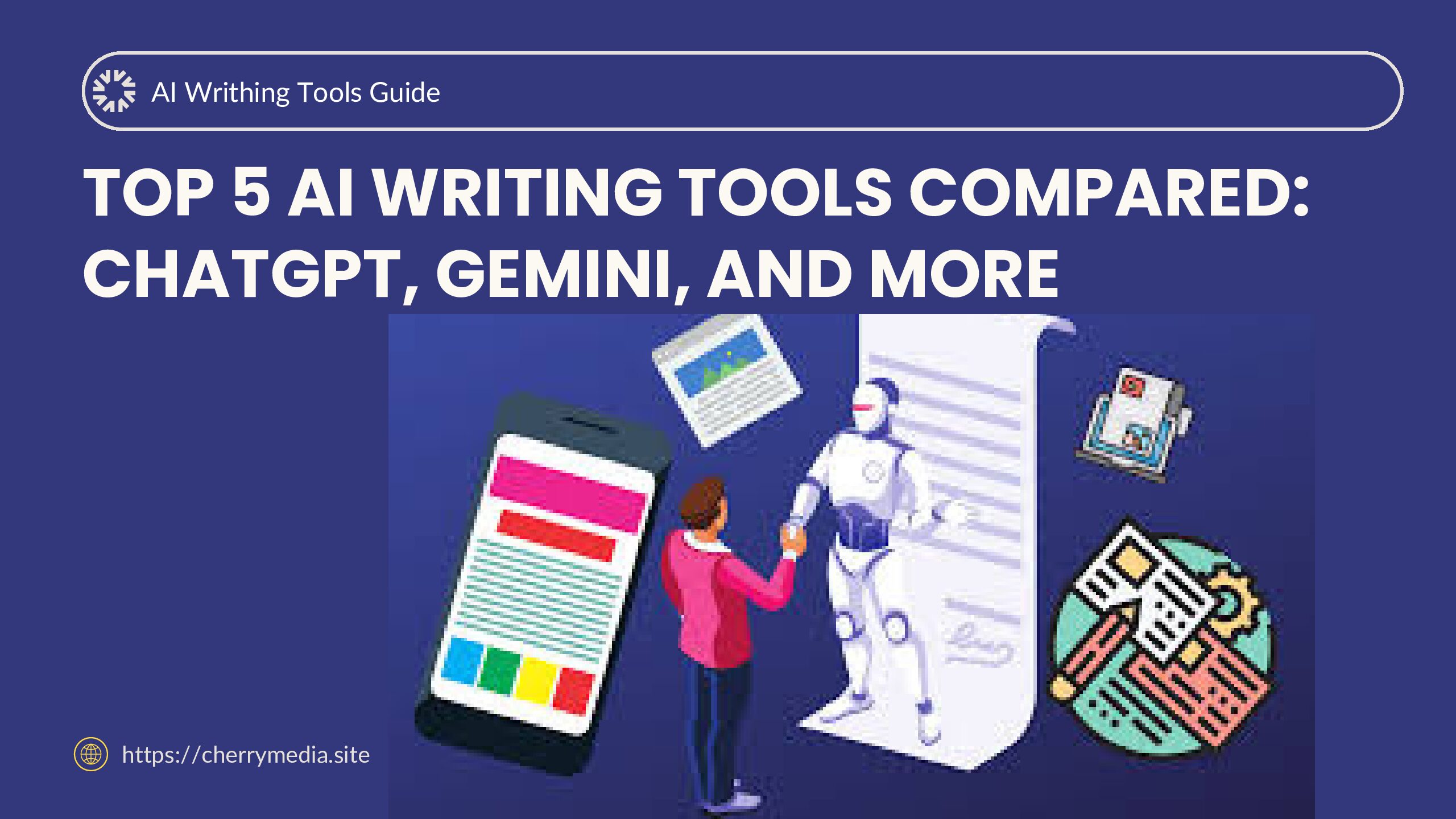
Writing high-quality content can take hours — unless you let AI help. Tools like ChatGPT, Jasper, or Writesonic can generate blog posts, product descriptions, or emails in minutes.
Practical Example:
Imagine you run a small business and need weekly blog posts. Instead of starting from scratch, you can use an AI writing tool to:
-
Generate blog outlines
-
Write SEO-friendly drafts
-
Suggest engaging titles
-
Rephrase or polish sentences
You can then review, personalize, and publish — cutting your writing time in half.
Productivity Tip:
Use AI for first drafts or idea generation, but always add your personal touch. AI helps with structure and speed, but human creativity makes it original.
2. Automate Repetitive Workflows with AI Task Managers
If you spend too much time organizing tasks, tracking deadlines, or sending reminders, AI-powered productivity platforms can help.
Tools like Notion AI, ClickUp AI, or Motion can automatically prioritize your daily schedule based on importance and deadlines.
Practical Example:
Let’s say you have a to-do list with 20 tasks. AI can:
-
Analyze deadlines and reorder tasks automatically
-
Send smart reminders
-
Suggest focus times when you’re most productive
Instead of juggling tasks manually, AI keeps you on track.
Productivity Tip:
Set up automated task templates for recurring projects (like weekly reports or video uploads). It saves hours every week.
Enhance Your Creativity with AI Design Tools
Designing social media graphics, logos, or presentations doesn’t have to be time-consuming anymore. Tools like Canva Magic Studio, Adobe Firefly, and Designs.ai use AI to generate layouts, choose color palettes, and create visuals in minutes.
Practical Example:
Need a YouTube thumbnail or Instagram post? Simply describe what you want (e.g., “Create a bold tech-style post about AI productivity”) — the AI will generate multiple design options instantly.
Productivity Tip:
Create brand templates in AI design tools so you can reuse styles and maintain consistency across all your content.
4. Save Time on Research with AI Summarizers and Data Tools
AI-powered summarizers like Perplexity AI, ChatGPT, or Claude can quickly scan articles, reports, or PDFs and give you concise summaries. This helps you absorb key information faster without reading everything in detail.
Practical Example:
If you’re preparing a presentation, you can paste long research articles into ChatGPT and ask it to:
-
Summarize key insights
-
Generate talking points
-
Suggest visual data for slides
This turns hours of research into minutes of preparation.
Productivity Tip:
Use AI to create knowledge summaries or idea banks — organized collections of notes and research for future content.
Speed Up Meetings and Communication
Meetings often waste time — but AI tools like Otter.ai, Fireflies, and Krisp can help you stay efficient.
They can:
-
Transcribe meetings automatically
-
Highlight key decisions
-
Remove background noise
-
Generate action items
Practical Example:
After your online meeting, Otter.ai can email you a meeting summary with important takeaways and to-do lists — no need to take notes manually.
Productivity Tip:
Ask AI to generate meeting follow-up emails automatically, summarizing discussions and next steps for your team.
6. Master Time Management with AI Scheduling Assistants
AI scheduling tools like Clockwise, Reclaim, and Google’s Duet AI can automatically arrange your meetings and breaks based on your energy levels and priorities.
Practical Example:
Clockwise can analyze your calendar and shift meetings around to protect your “focus time” — the hours when you’re most productive.
Productivity Tip:
Schedule all deep work sessions in your AI calendar assistant and let it handle rescheduling or conflict management automatically.
7. Streamline Customer Support with AI Chatbots
If you run a business or website, AI chatbots like Tidio, Drift, or Manychat can handle customer questions 24/7. This not only improves service but also frees you from answering repetitive queries.
Practical Example:
A small online store can set up a chatbot that:
-
Answers FAQs instantly
-
Recommends products
-
Tracks orders
-
Escalates complex issues to a human
Productivity Tip:
Combine your chatbot with CRM automation (like HubSpot or Zoho) to track customer behavior and improve responses over time.
8. Use AI for Smarter Decision-Making
AI analytics tools like Tableau AI, Power BI with Copilot, or ChatGPT Advanced Data Analysis can help you understand trends and make data-driven decisions faster.
Practical Example:
If you’re running ad campaigns, you can upload performance data into ChatGPT and ask:
“Which ad performed best, and how can I optimize future ones?”
AI will analyze the data, detect patterns, and give actionable insights instantly.
Productivity Tip:
Use AI dashboards to visualize performance metrics daily — this helps you stay agile and adjust quickly.
Final Thoughts: AI Is Your Ultimate Productivity Partner
AI tools are transforming how we work — making tasks faster, smarter, and more efficient. But remember, the key to real productivity is balance. Use AI to handle the repetitive or analytical work so you can focus on creativity, strategy, and innovation.
The more you experiment with AI tools, the more you’ll discover ways to save time and amplify your results.
So, if you want to boost your workflow and achieve more with less effort, start integrating AI into your daily tasks today. From writing to designing, from planning to decision-making — AI is your smart partner for a more productive future.