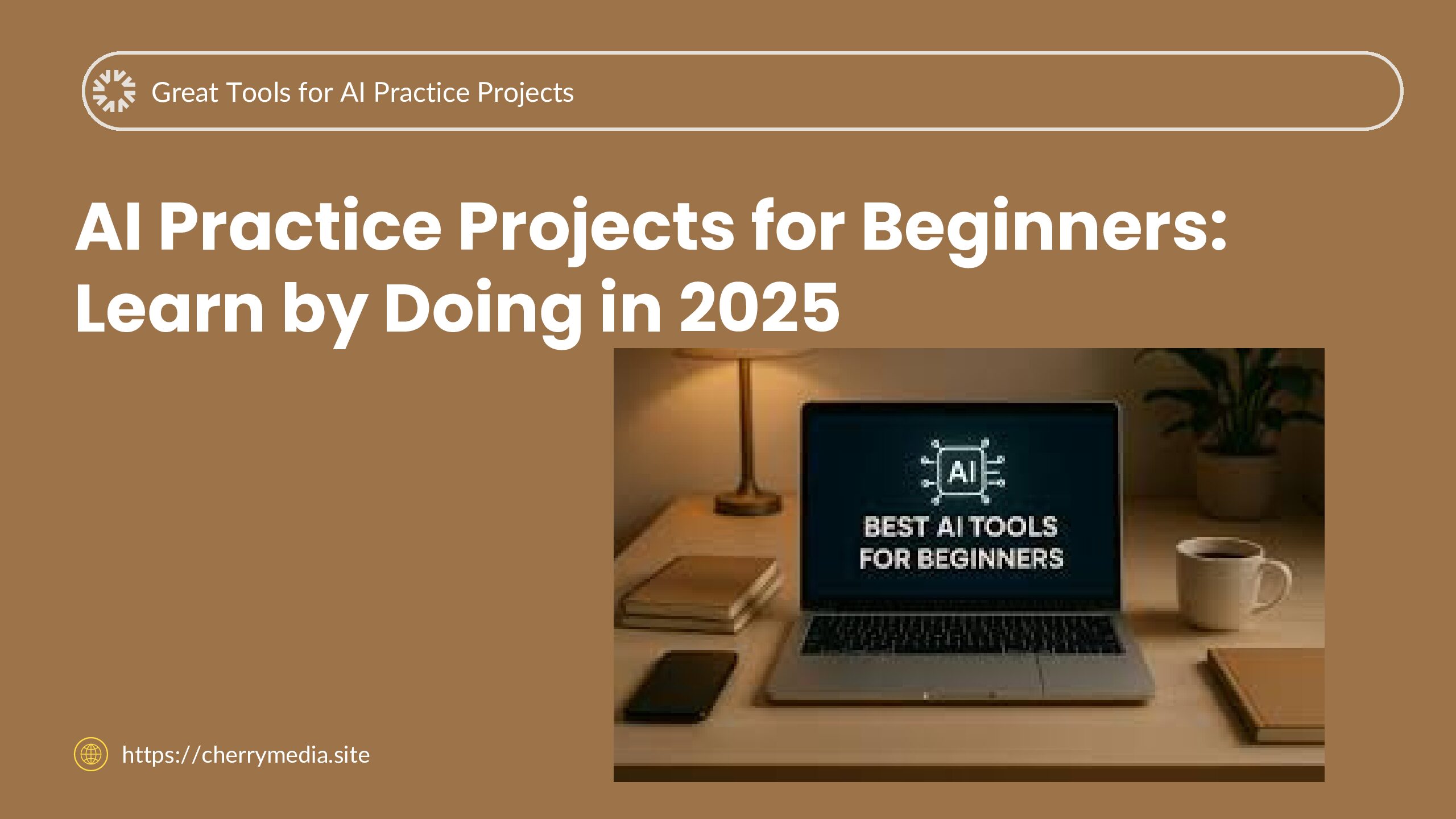

If you’re new to artificial intelligence (AI) and wondering where to start, you’re not alone. Many beginners feel overwhelmed by the theory, jargon, and seemingly steep learning curve. The good news? One of the best ways to learn AI is simply by doing—getting your hands dirty with small, fun practice projects that bring concepts to life. In this post from Cherry Media, we’ll explore why learning-by-doing matters, look at some excellent tools you can use in 2025, show practical examples, and give you tips to move forward with confidence.
What is “Learning by Doing” or Practice Projects?
Learning by doing means engaging with real tasks rather than just reading about them. In the context of AI, this means using tools to build, test, and iterate small AI models or workflows—such as a chatbot, image classifier, text summarizer or no-code automation. Instead of only watching lectures or reading definitions, you experiment, make mistakes, and learn through doing. This hands-on approach helps solidify understanding, reveal unexpected problems, and boost your confidence. By building a concrete project you can see what works, what doesn’t, and how to fix it.
Why It Matters to practice ?
The AI landscape is evolving fast — and 2025 brings even more opportunities for beginners:
-
Many AI tools are now accessible without deep coding skills, making hands-on projects more feasible than ever.
-
The demand for AI-savvy skills in business, content, marketing and automation continues to grow. By practising projects, you build real experience to show.
-
Theory alone tends not to stick. Practice helps you internalise how AI models behave, debug issues, and apply AI meaningfully.
-
As the tools get easier, the differentiator becomes who can apply them. Doing projects gives you that edge.
-
Finally, practice helps build a portfolio of hands-on work you can show to employers, clients or collaborators—important in a competitive market.
5 Great Tools & Platforms for AI Practice Projects
Here are some beginner-friendly tools ideal for practice projects in 2025 — each with what makes it helpful, a use case, and link.
-
ChatGPT (by OpenAI)
-
Description: A conversational AI model you can use to ask questions, generate text, brainstorm ideas, create simple code or workflows.
-
Use case: You can prompt ChatGPT to generate a simple chatbot script for customer support, then tweak and refine the responses.
-
Link: https://chat.openai.com
-
-
Gemini (by Google DeepMind / Google)
-
Description: A multimodal AI assistant that can work with text, image, and more—good for project-based learning.
-
Use case: Use Gemini to generate an image classifier or summary of a topic, then build a simple app or webpage that displays results.
-
-
Google Teachable Machine (by Google)
-
Description: A browser-based tool where you can train simple image/audio/pose recognition models with no coding.
-
Use case: A teacher or hobbyist uses Teachable Machine to build an image classifier for “cat vs dog” using webcam, then embeds it in a webpage.
-
-
Microsoft Lobe (by Microsoft)
-
Description: Free drag-and-drop app to build machine learning models visually (especially image recognition) without code.
-
Use case: Create a model to recognise handwritten digits or gestures, deploy it to a simple app or website.
-
Link: https://www.lobe.ai
-
-
IBM Watson Studio (by IBM)
-
Description: A more advanced environment—still beginner-friendly if you’re ready to step up—where you can build, train and deploy AI models and collaborate.
-
Use case: Use a sample dataset (e.g., customer feedback) to build a sentiment-analysis model, then visualise results in a dashboard.
-
-
Kaggle (by Google)
-
Description: Community platform with free datasets, notebooks, competitions—great for real-world practice.
-
Use case: Pick a beginner dataset (e.g., Titanic survival) and build a simple classifier using Python or no-code tools; share your notebook and get feedback.
-
Link: https://www.kaggle.com
-
-
Jasper AI (AI writing assistant)
-
Description: AI tool for writing, content creation and ideation—while not purely “ML model building”, it offers a practice scenario in a business-context AI project.
-
Use case: Use Jasper to create marketing copy, then measure engagement or tweak prompts to see how outcome changes—practicing prompt engineering and AI workflow.
-
Link: https://www.jasper.ai
-
Practical Examples or Case Studies
-
Example 1: A small e-commerce startup used Teachable Machine to build a quick product-image classifier (“shirt vs pants vs accessories”). They embedded it on their site to help visitors filter products. Good beginner project: minimal budget, visual feedback, real application.
-
Example 2: A content creator used ChatGPT to build an “AI tutor” for blog drafts: the creator prompts ChatGPT with blog outlines, then edits, refines and publishes. Outcome: faster draft time, improved content consistency.
-
Example 3: A college student participated in a Kaggle beginner competition: picked the dataset, used Watson Studio for preprocessing, built a model, and submitted results. They displayed their notebook on a portfolio site—helped in job interviews.
These real-world mini-projects show how beginners can start small, learn quickly, and build something tangible—even without a deep math or ML background.
Tips for Users
-
Start small and manageable. Pick a project you can complete in a few days—not a multi-month mission.
-
Use templates or guided tutorials. Many tools listed above have “get started” flows—follow them before customizing.
-
Focus on outcome, not perfection. The goal is learning, not creating the best model in the world.
-
Document your journey. Keep track of prompts used, mistakes made, changes tried—this helps your learning and can form your portfolio.
-
Iterate and reflect. After finishing a small project, ask: what worked? what didn’t? how could I improve?
-
Share and get feedback. Platforms like Kaggle or GitHub let you show work, get comments, and improve from others.
-
Link your projects to real needs. Even a small tool becomes powerful if it solves a real problem (e.g., classify images for your blog, write text drafts automatically).
-
Don’t skip theory entirely. While doing is important, a little reading about how models work and what limitations they have will help you avoid pitfalls.
Conclusion
Practice projects are among the best ways for beginners to break into AI in 2025. They move you beyond theory into doing—creating, tweaking, debugging and learning. With beginner-friendly tools like ChatGPT, Gemini, Teachable Machine, Lobe, Watson Studio and more, you can build your portfolio, sharpen your skills and gain confidence. Whether you aim to become a developer, content creator, business professional or just someone curious about AI, starting with hands-on practice is a smart move.
Ready to dive deeper and explore more AI learning resources? Visit Cherry Media for detailed guides, tool reviews, and step-by-step tutorials:
👉 https://cherrymedia.site
Take your first practice project today—and transform your curiosity into real-world AI skills.