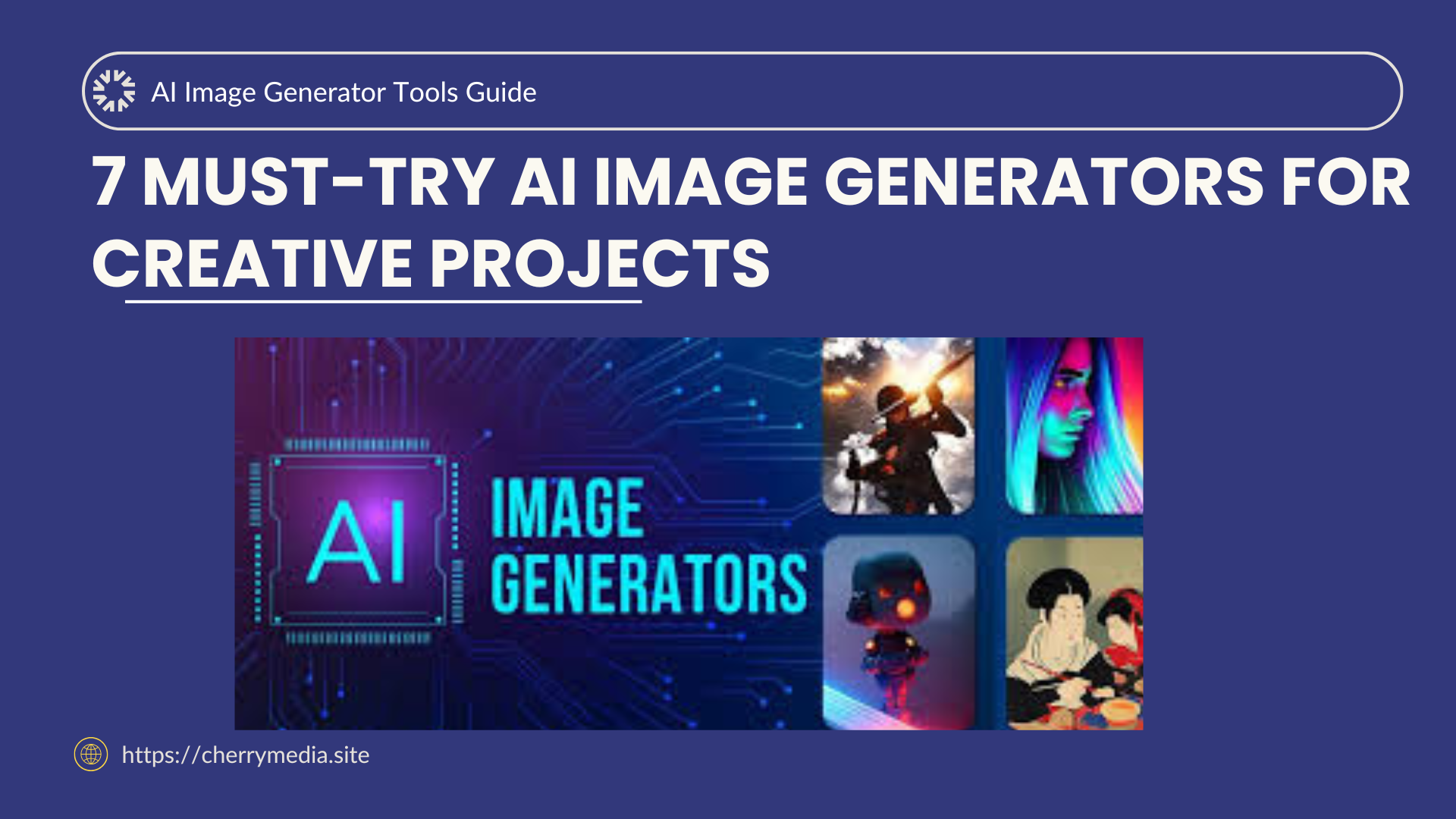
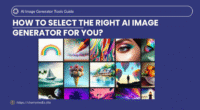
7 Must-Try AI Image Generators for Creative Projects
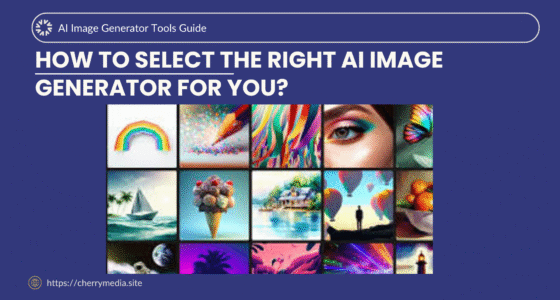
Artificial Intelligence is changing how we create and design visuals. Whether you’re a digital artist, content creator, or small business owner, AI image generators can bring your imagination to life with just a few words.
In 2025, these tools are smarter, faster, and more accessible than ever. You can create professional-quality artwork, YouTube thumbnails, product images, or concept art — without any design experience.
Let’s explore 7 must-try AI image generators that are reshaping creativity this year.
Why You Should Try AI Image Generators
AI image generators aren’t just tools — they’re creative partners. With a few text prompts, you can generate artwork in any style: realistic, anime, 3D, futuristic, or cinematic.
Here’s why they matter:
-
Save time: No need to draw or edit manually.
-
Unlimited creativity: Experiment with new styles or concepts instantly.
-
Affordable: Most tools have free or budget-friendly plans.
-
Business-ready: Create visuals for marketing, social media, and branding.
Using AI image tools helps boost productivity, enhance creativity, and make your content stand out in a competitive digital world.
1. DALL·E 3 (by OpenAI)
Official link: https://openai.com/dall-e-3
Description:
Developed by OpenAI (the creators of ChatGPT), DALL·E 3 is one of the most powerful text-to-image generators available. It creates realistic, detailed images from simple text prompts — even from short sentences.
Use case:
Perfect for designers, bloggers, and marketers who need creative visuals fast.
Highlight:
Integrated directly into ChatGPT, allowing you to describe what you want in conversation form.
2. Midjourney
Official link: https://www.midjourney.com
Description:
Midjourney is known for its stunning artistic quality. It operates via Discord, where you can type prompts and watch your artwork evolve in seconds.
Use case:
Ideal for concept artists, illustrators, and photographers.
Highlight:
Produces rich, cinematic images that look like high-end digital art.
3. Leonardo AI
Official link: https://leonardo.ai
Description:
Leonardo AI is an advanced tool designed for game developers and designers. It allows you to train your own image styles and generate assets that match your visual identity.
Use case:
Game assets, 3D textures, fantasy art, and product mockups.
Highlight:
Custom model training — a feature many other AI tools lack.
4. Adobe Firefly
Official link: https://www.adobe.com/sensei/generative-ai/firefly.html
Description:
Adobe Firefly is integrated with Photoshop and Illustrator, making it the best choice for professional designers. It uses AI to generate and edit images with natural detail.
Use case:
Perfect for brands, agencies, and professionals working on advertising visuals.
Highlight:
Supports text-to-image, text effects, and AI-assisted editing directly inside Adobe tools.
5. Canva Magic Studio
Official link: https://www.canva.com/magic-studio
Description:
Canva’s Magic Studio brings AI-powered design tools to everyday users. Its image generator allows anyone to create beautiful designs, edit backgrounds, or visualize concepts instantly.
Use case:
Social media graphics, presentations, and blog illustrations.
Highlight:
Beginner-friendly and integrated into Canva’s drag-and-drop editor.
6. Playground AI
Official link: https://playground.com
Description:
Playground AI focuses on simplicity and speed. It’s an online platform where you can generate art, edit photos, and apply styles using AI models like Stable Diffusion and SDXL.
Use case:
Quick creative experiments and content production.
Highlight:
Includes community templates and remix options for collaborative creativity.
7. Bing Image Creator (Powered by DALL·E 3)
Official link: https://www.bing.com/create
Description:
Bing’s AI Image Creator uses DALL·E 3 technology, accessible for free via Microsoft Edge or Bing Chat. It’s perfect for beginners who want to explore AI-generated images without complex setups.
Use case:
Casual creators, students, and digital marketers.
Highlight:
Completely free and offers real-time chat-assisted image generation.
Practical Example
Let’s say you’re creating a YouTube thumbnail or a blog header about AI trends.
You could:
-
Use DALL·E 3 to generate a futuristic AI robot image.
-
Use Canva Magic Studio to add your text overlay and brand colors.
-
Use Firefly to touch up lighting and effects for a professional finish.
In just 10 minutes, you’ve created a high-quality, unique image — no Photoshop or stock image costs needed!
Tips for Using AI Image Generators
-
Use descriptive prompts:
The more details you include (lighting, style, colors), the better your results. -
Experiment with different models:
Each AI has its unique art style — find one that fits your project. -
Edit and refine:
Don’t rely on the first image; regenerate or enhance it using editing tools. -
Avoid copyrighted prompts:
Use your own ideas and themes for originality (important for AdSense-safe content). -
Integrate with workflow:
Combine AI tools with your design process for faster, creative production.
Conclusion
AI image generators are revolutionizing digital creativity. Tools like DALL·E 3, Midjourney, and Leonardo AI help you transform text prompts into stunning art — instantly. Whether you’re designing for fun, education, or business, these tools unlock a world of visual possibilities.
So, why not try them today and bring your imagination to life?
Explore more AI tools, creative guides, and productivity hacks at 👉 Cherry Media — your hub for the latest AI tools, trends, and tutorials!